
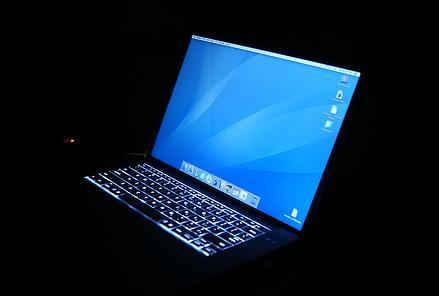
 I love to listen music on my DELL XPS laptop whenever I go to bed. But the light of LCD display irritates me to some extent. There is no option to turn off the LCD of the laptop other than waiting sometime to allow Windows to automatically turn it off.
But luckily today I found a tiny Windows application written by Taimur Asad that allows us to turn off the LCD display with a single click. The tiny application is just 65KB and no installation is required. All we need to do is to double click on the application whenever we want to turn off the display.
Download Turn Off LCD Application
OMG thank you so much now i could sleep peacefully sleep
I found a solution for my particular case – here we go in case anyone else finds this useful. It might only work on Acer laptops, though.
– Want to turn off all displays? Use “Turn off LCD”. Brilliant, works in Windows 7 too.
– Want to turn off just the laptop screen and leave external/secondary displays on? Press Fn+F6. Great for running presentations, projectors, slideshows, AVs etc. without the distracting laptop LCD screen on.
Thanks!
Works a treat on W7 Home Premium 64 on my Acer laptop. Thanks very much! With multiple displays connected, this turns them all off. Now – does anyone know how to selectively turn off just one display in W7?
Thanx…. Very helpful :)
cooooooooooooool!!!!!! I REALLY REALLY NEEDED ONE!!
THANX!!
I will tell my friend and they will like this. Thanks…
Great!
Seams to work perfectly on my Asus F3SA notebook with Win XP SP2.
Thanks for the tip.